
How to Fix MetaTrader 4 Demo Market Closed Error?
Are you frustrated with the MetaTrader 4 demo market closed error? Discover the simple steps to fix it and start trading like a pro. Don't miss out!

Practical MT4 and MT5 setup, chart, account, and troubleshooting guides for Forex Admin readers.
Are you frustrated with the MetaTrader 4 demo market closed error? Discover the simple steps to fix it and start trading like a pro. Don't miss out!
Learn to show bid and ask prices on MT4 to enhance your trading experience. Follow these easy steps & understand the importance of bid and ask prices.
MT4 error codes causing you problems? Our guide has everything you need to know to get back on track and improve your trading experience.
In MT4, the "Not Enough Rights" error message means that the user doesn't have sufficient permission to perform an action. Here's how to fix it.
Get rid of the Not Enough Money error in MT4 with our troubleshooting guide. Learn the common causes and solutions & confidently start trading.
Don't let outdated software slow you down. Follow this guide to manually update MT4 on PC & keep your trading platform up-to-date.
To fix this error, you will need to update your MT4 to the latest version. Here are the steps you can follow to Fix MT4 Old Version Error.
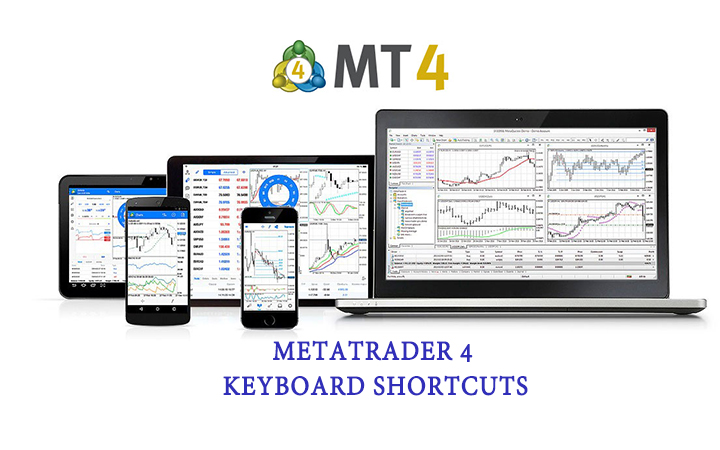
Here are 55 Metatrader 4 Keyboard Shortcuts that every trader should know. They can save you time and help you execute trades faster.
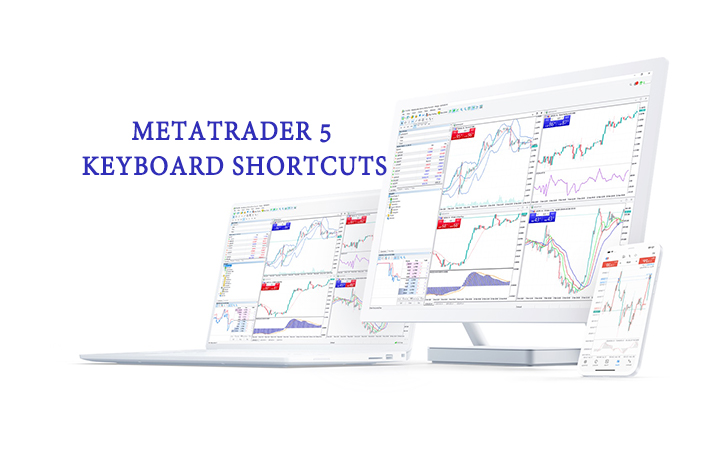
This blog post will show you 47 Metatrader 5 Keyboard Shortcuts that can help you save time and improve your trading
If you are facing an Invalid Account MT4 problem , there can be several reasons behind it. It can be because of incorrect login details, server issues, or broker problems. some steps that you can follow to fix this problem. 8 Ways to Fix In
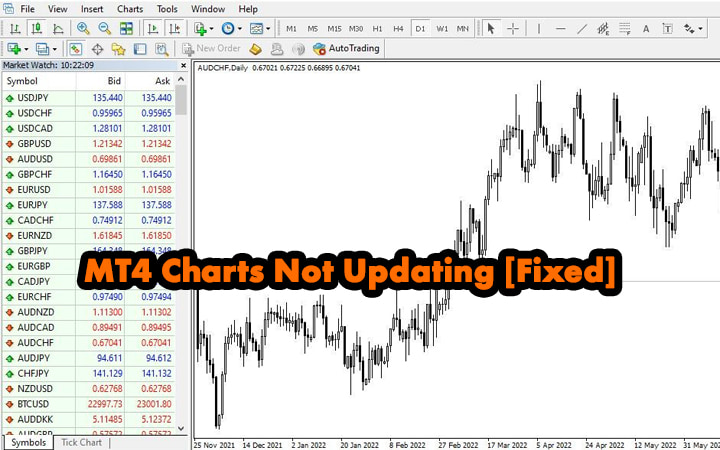
Many traders are complaining that their MT4 Charts Not Updating when they log in to a new MT4 account. This is a very minor problem yet it can be frustrating sometimes. This article will not only teach you how to make a chart updating in Me
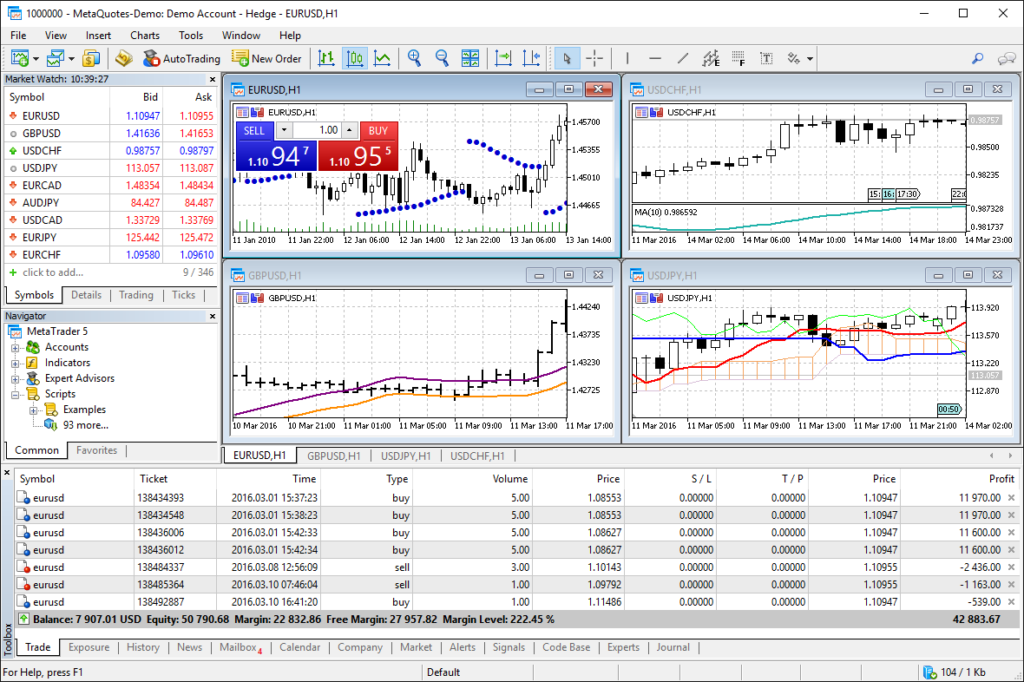
Are looking to fix the MT5 charts not updating problem? Here are the latest solutions, you can try to fix the chart problem in MetaTrader5 (MT5).
Browse practical guides for MetaTrader 4 and MetaTrader 5 in one place. Each article identifies the platform it covers, so you can find instructions for setup, charts, accounts, and common platform questions without switching between separate platform archives.
Platform menus and available features can vary by software build and broker. Check that a guide matches your terminal and confirm account-specific details with your broker before changing settings.
Browse this archive for MT4 setup, chart, account, and troubleshooting articles. Check each guide heading and instructions to confirm the version it covers.
Not always. The platforms use different menus, folders, and file formats. Follow the steps written for your MetaTrader version and verify the terminal build if a menu differs.
Open the platform data folder and use the Indicators subfolder under MQL4 for MT4 or MQL5 for MT5. Follow the guide for your version, then refresh or restart the Navigator.
Use the separate MT4 and MT5 indicator and trading system collections. Each article lists compatibility and explains whether a file is available.