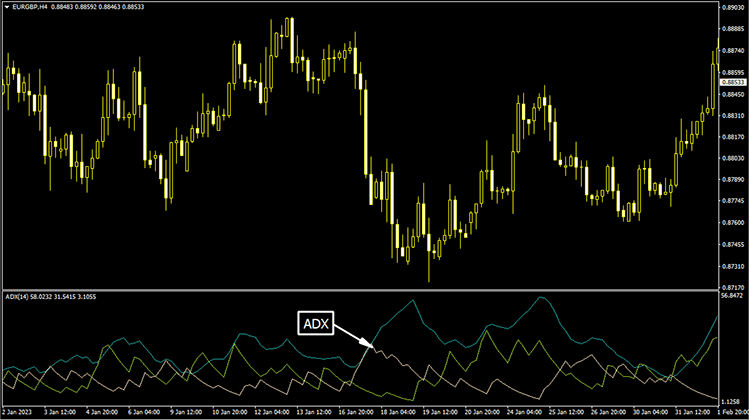
ADX Lucki Indicator (MT4)
The ADX Lucki Indicator is a technical analysis tool used in Forex trading to measure the strength of a trend.

Browse free MT4 and MT5 indicators, check platform compatibility, and request available indicator downloads from each tool page.
The ADX Lucki Indicator is a technical analysis tool used in Forex trading to measure the strength of a trend.
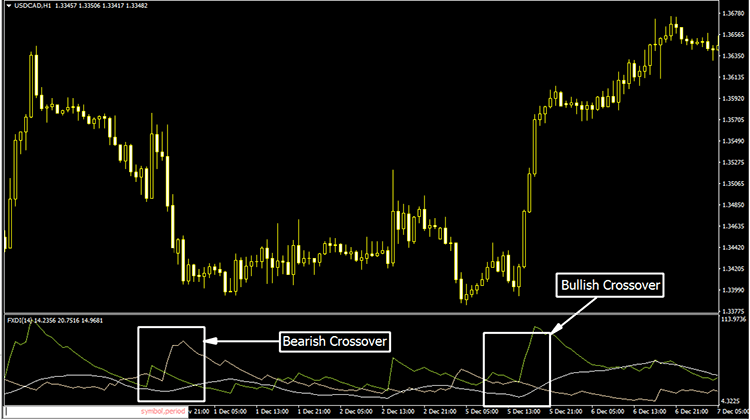
The ADX DMI Indicator is a technical analysis tool that traders use to identify the strength and direction of a trend in the market.
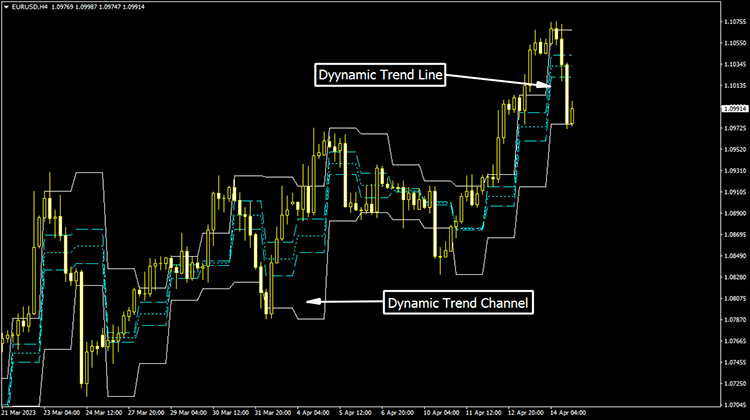
ACD Pivot Points indicator is a technical analysis tool that utilizes an advanced algorithm to identify potential support & resistance levels.
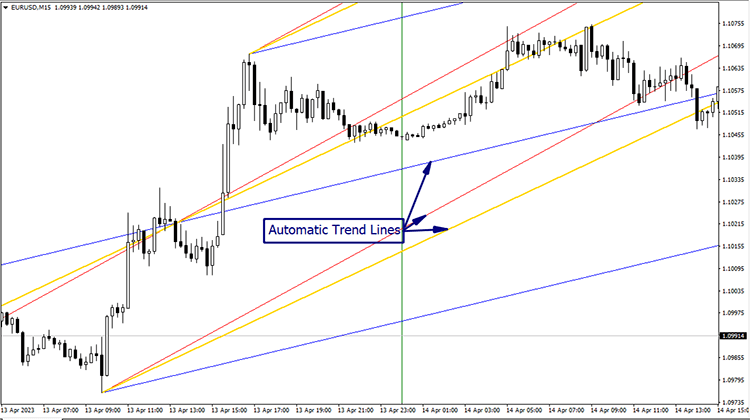
ABL Indicator is a highly customizable technical analysis tool that uses a proprietary algorithm to identify potential support and resistance levels.
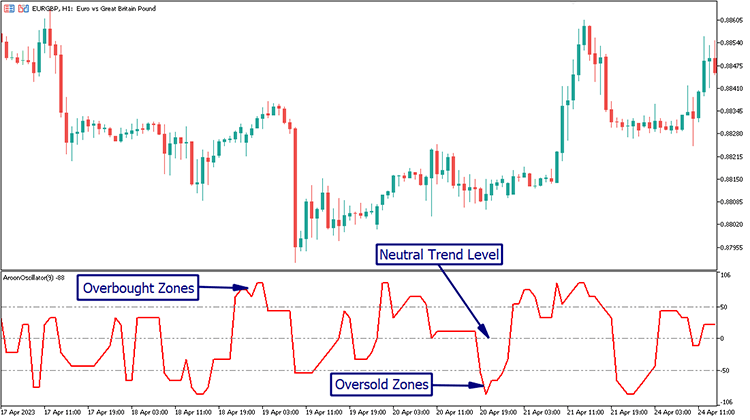
Aroon Oscillator Indicator is a versatile technical analysis tool that provides traders with valuable insights into the strength & direction of the trend.
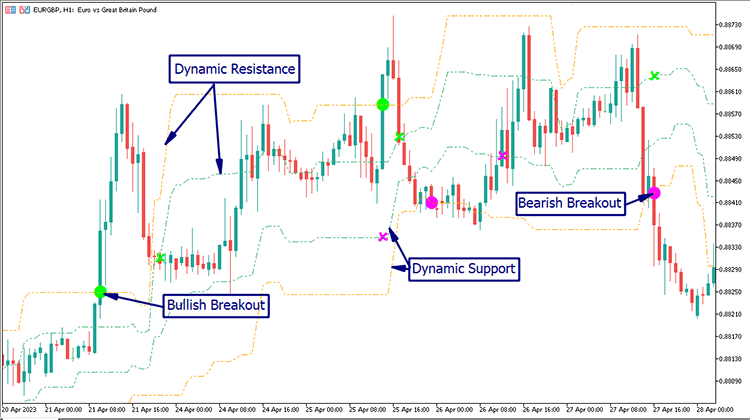
Arrows Curves Indicator is a popular technical analysis tool for MT5 used to identify the direction of the trend and potential trend reversals.
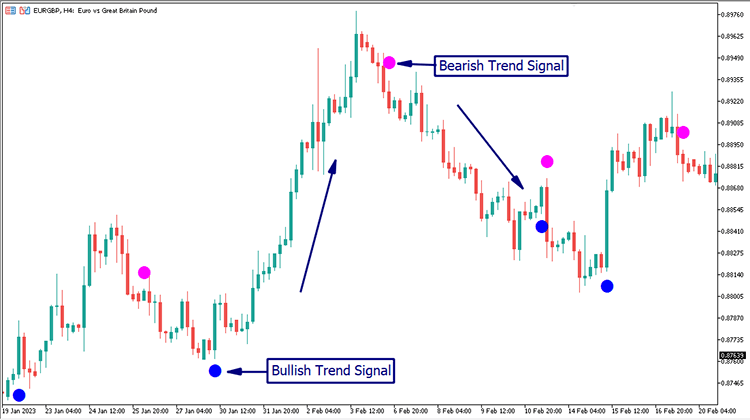
ASC Trend Indicator is a popular technical analysis tool used by Forex traders to identify trend directions and potential trend reversals in the market.
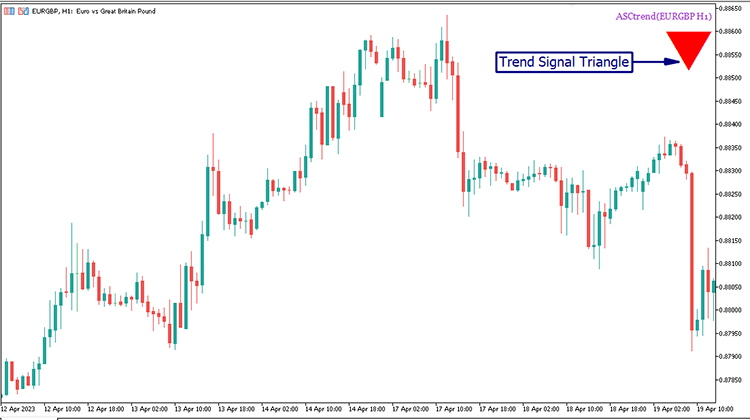
The ASC Trend HTF Signal Indicator is a valuable technical analysis tool that can greatly improve a trader's performance in the forex market.
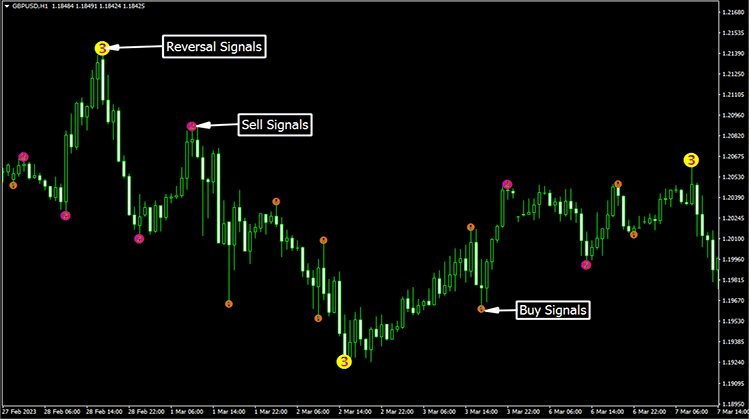
The 3 Level ZZ Semafor Indicator is a technical analysis tool used by traders to identify trends and potential reversal points in the market.
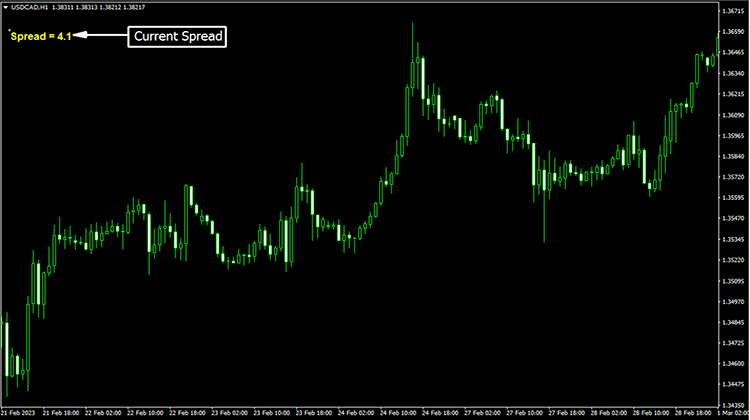
The Spread indicator is a technical analysis tool used to measure the difference between the bid and ask prices of an asset.
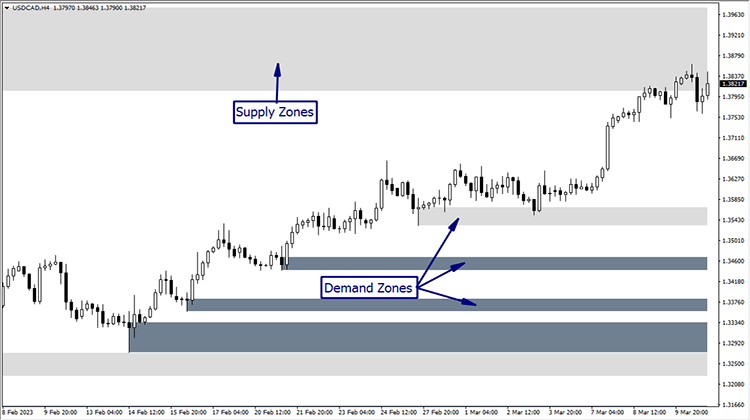
Supply and Demand Zones Indicator is a technical analysis tool that helps traders identify potential levels of support and resistance in the market.
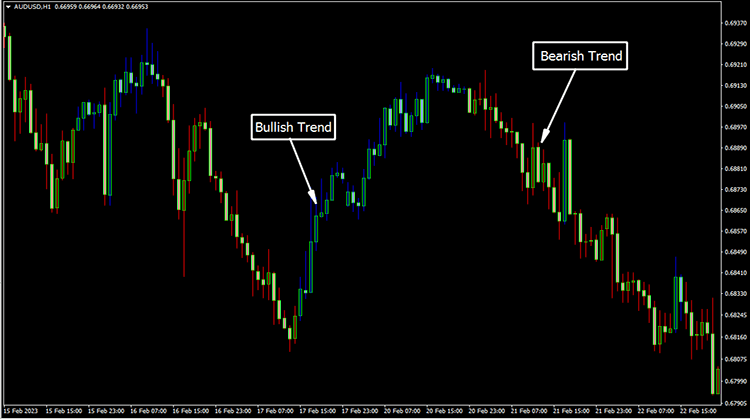
TTM Trend Indicator is a technical analysis tool that uses moving averages & standard deviations to identify the direction & strength of the trend.
This collection brings together indicator articles for MetaTrader 4 and MetaTrader 5. Use the platform links above to narrow the list, then open an article to see what the indicator displays, which platform it supports, and whether a file is available. The collection includes tools for chart analysis such as trend, momentum, levels, and other common tasks where those are identified in the article.
MT4 and MT5 files are not automatically interchangeable. Check the compatibility details before installing, and test an indicator on a demo account before using its output in a live decision. An indicator can help organize chart information, but it cannot guarantee accurate signals or trading results.
Choose the MT4 tab above to browse indicators marked for MetaTrader 4. Open an individual article to review its features and confirm whether a download is available.
Choose the MT5 tab to see indicator articles marked for MetaTrader 5. Check each article because an MT4 file may not work in MT5 unless a compatible version is provided.
Open the indicator article and use its download button if a file is available. Follow the access steps shown on the download page, then install the file in the matching MetaTrader indicators folder.
No. Indicators can lag, repaint, or behave differently across instruments and timeframes. Review how a tool works and test it before relying on it.